Sale
Select options This product has multiple variants. The options may be chosen on the product page

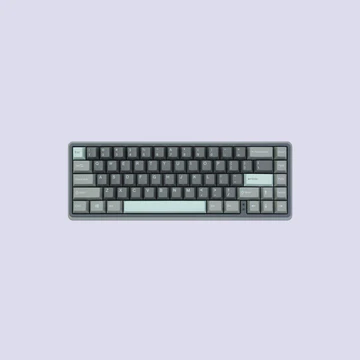
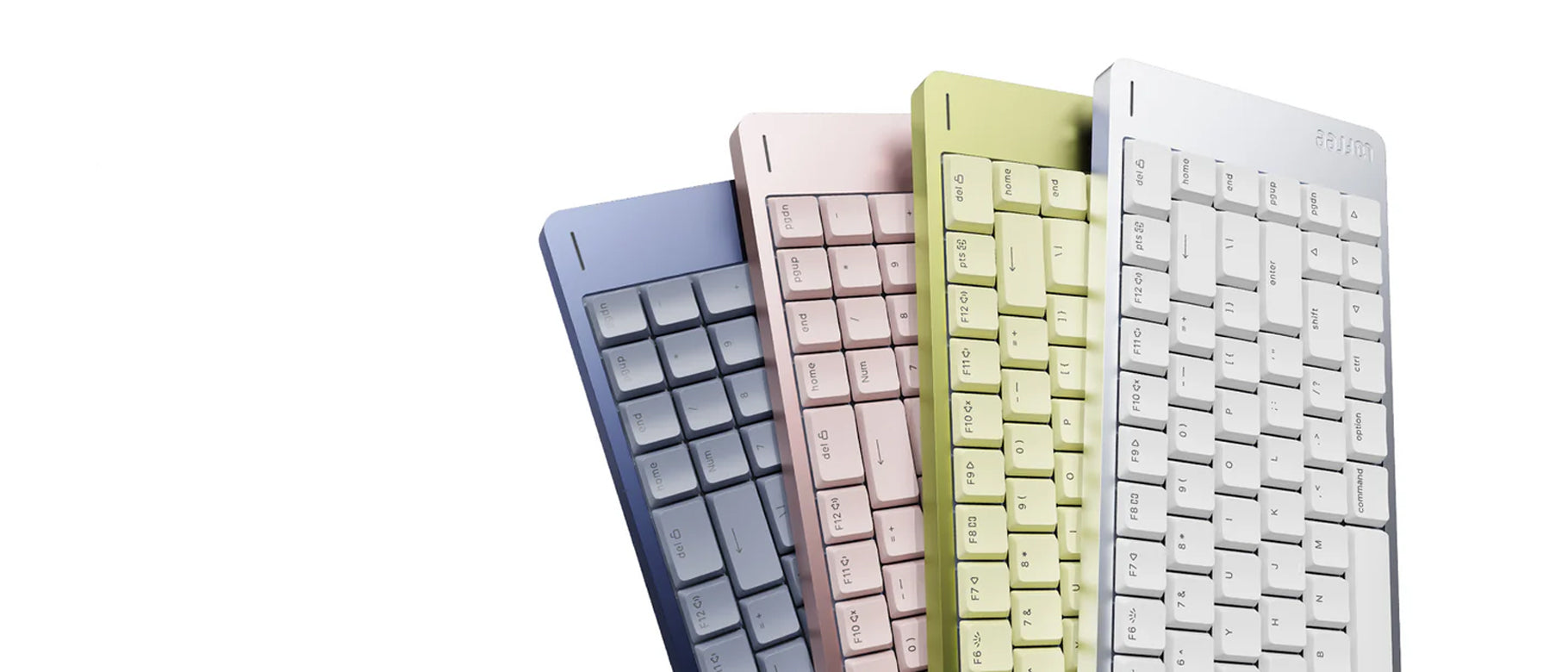
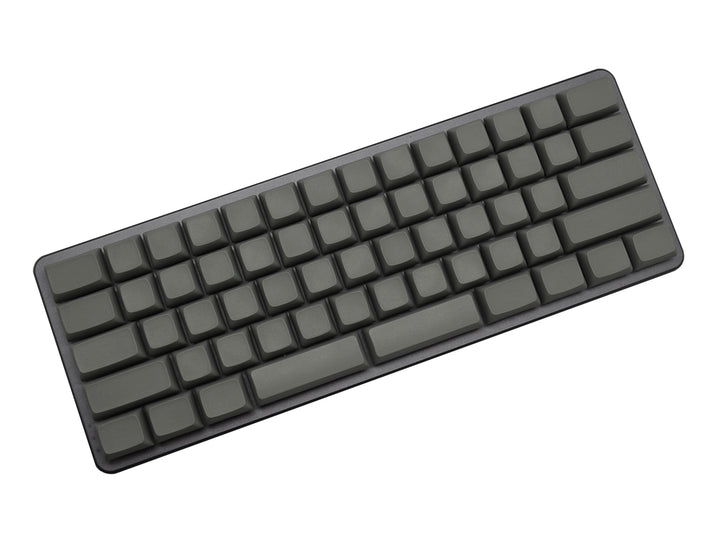
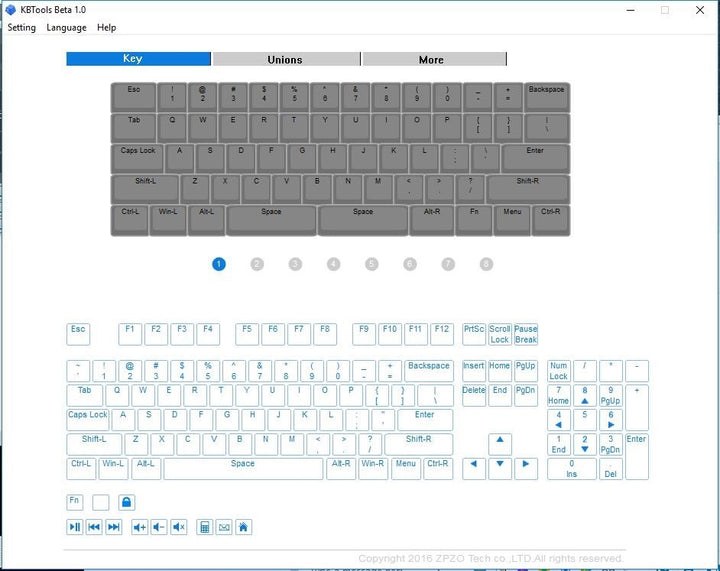
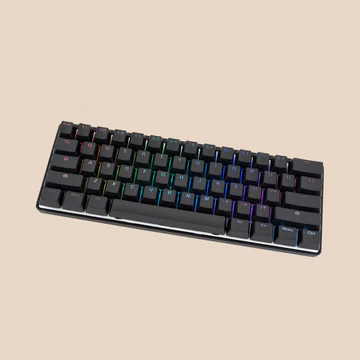
0.01 Z62 Dark Grey 60% White LED Blank PBT Mechanical Keyboard

Price range: $56.99 through $59.99
Sale
Select options This product has multiple variants. The options may be chosen on the product page

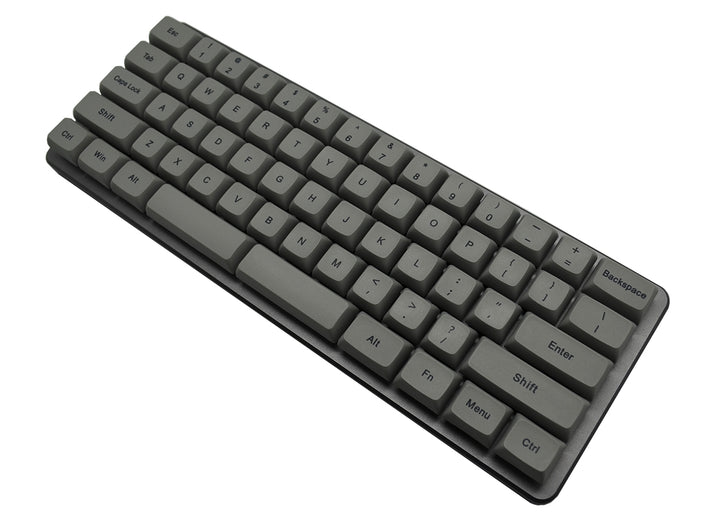
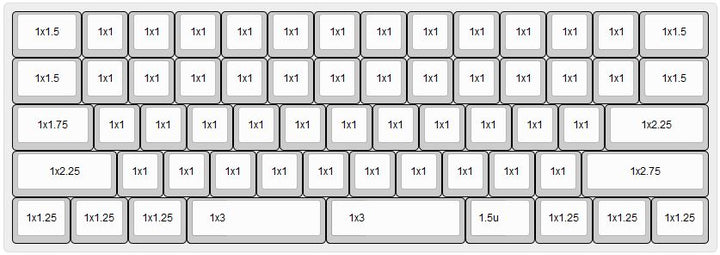
0.01 Z62 Dark Grey Dye Sub White LED 60% Dye Sub PBT Mechanical Keyboard

Price range: $59.99 through $62.99
Sale
Select options This product has multiple variants. The options may be chosen on the product page

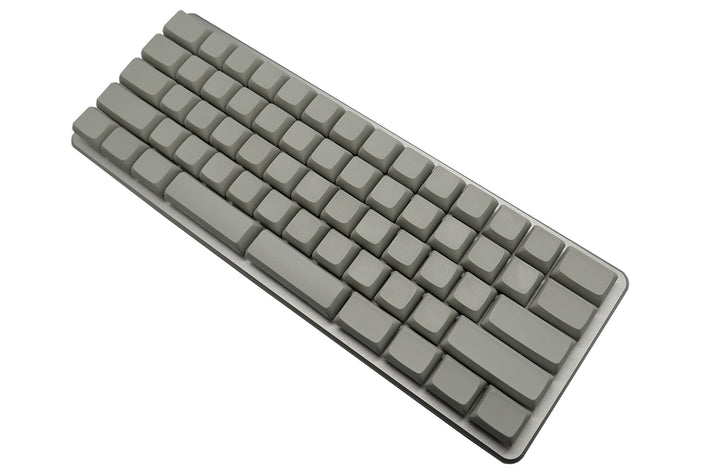
0.01 Z62 Silver Blank White LED 60% Blank PBT Mechanical Keyboard

Price range: $56.99 through $59.99
Sale
Select options This product has multiple variants. The options may be chosen on the product page

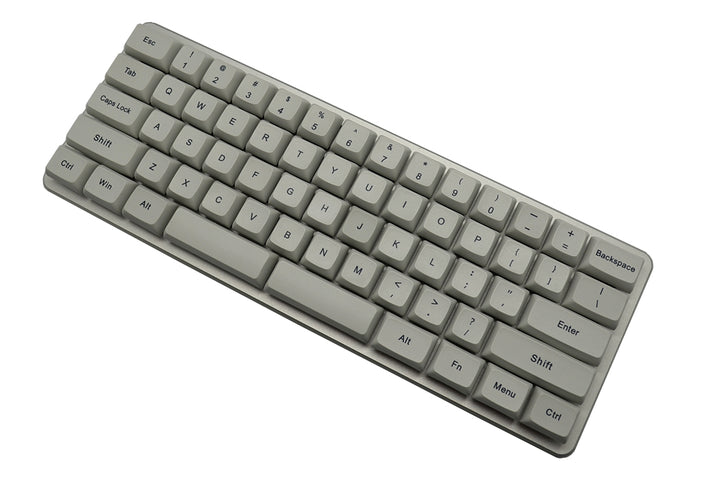
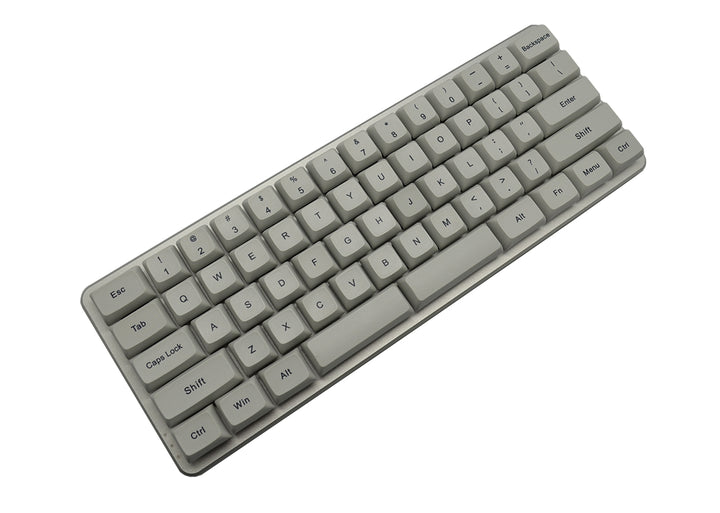
0.01 Z62 Silver Dye Sub White LED 60% Dye Sub PBT Mechanical Keyboard

Price range: $59.99 through $62.99
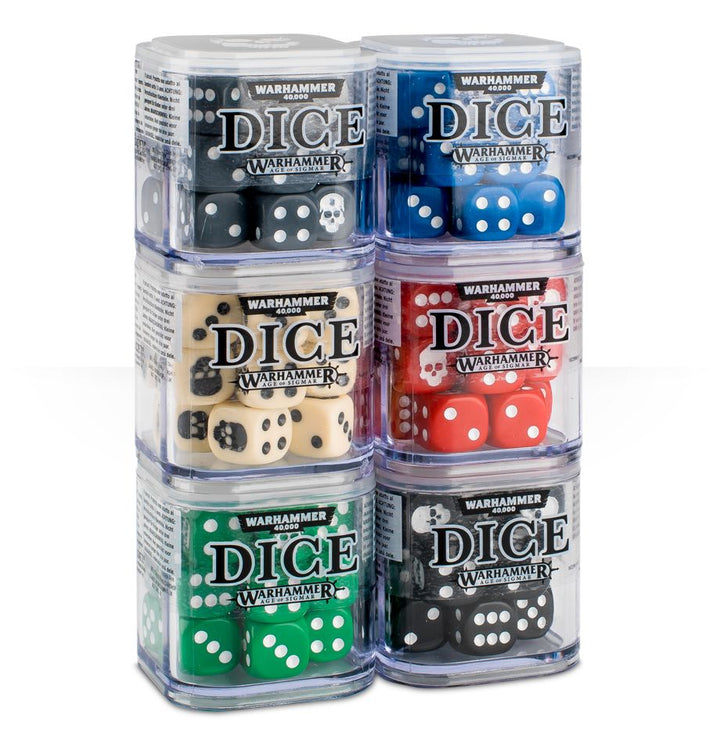
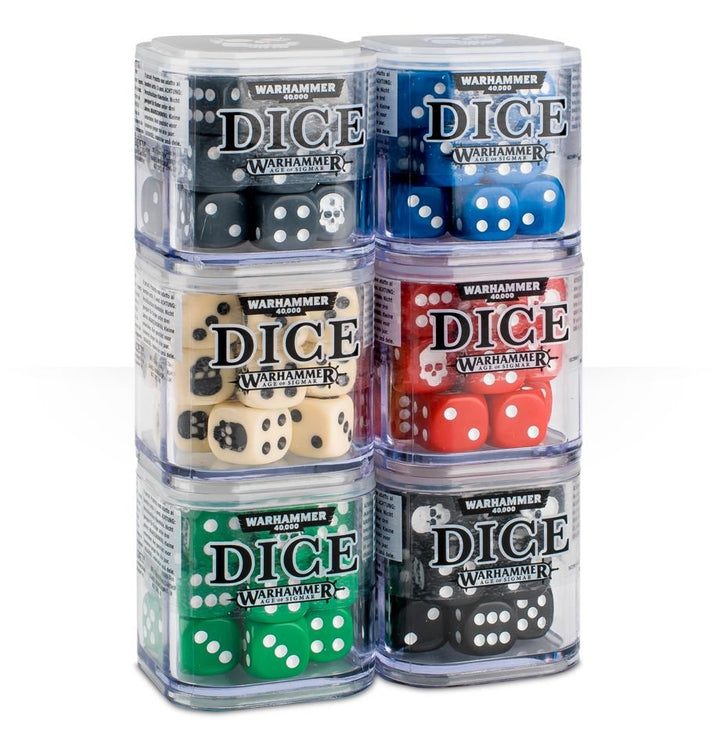
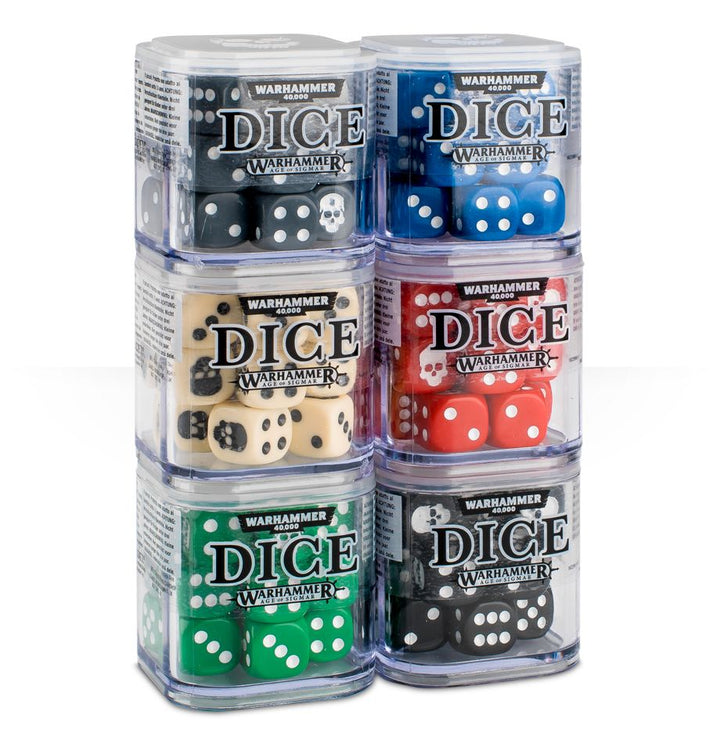
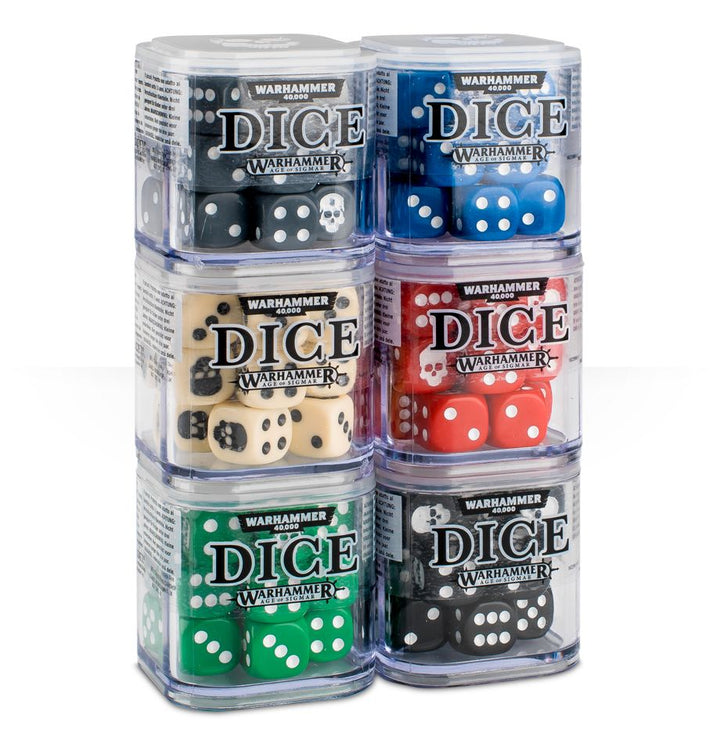
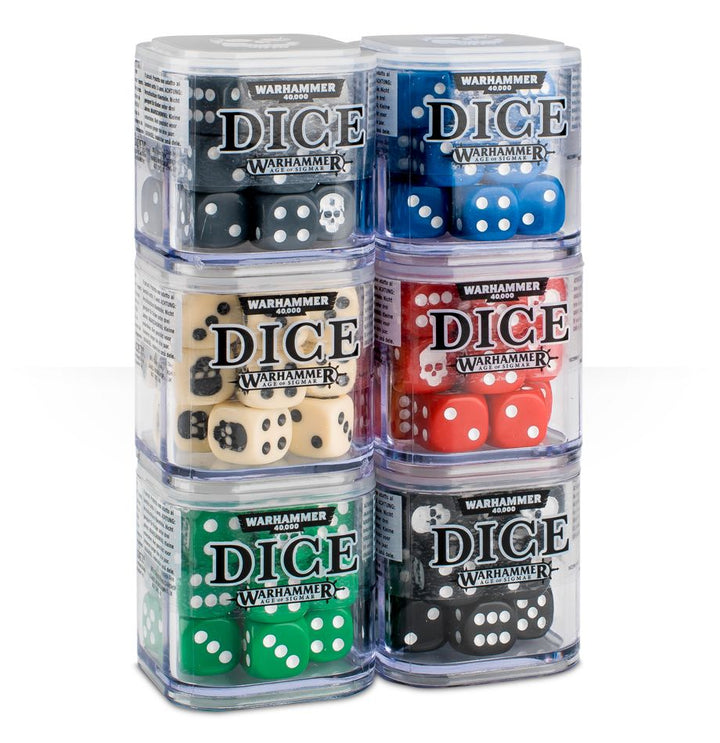
12mm Dice Cube – Bone

Original price was: $12.50.Current price is: $10.99.

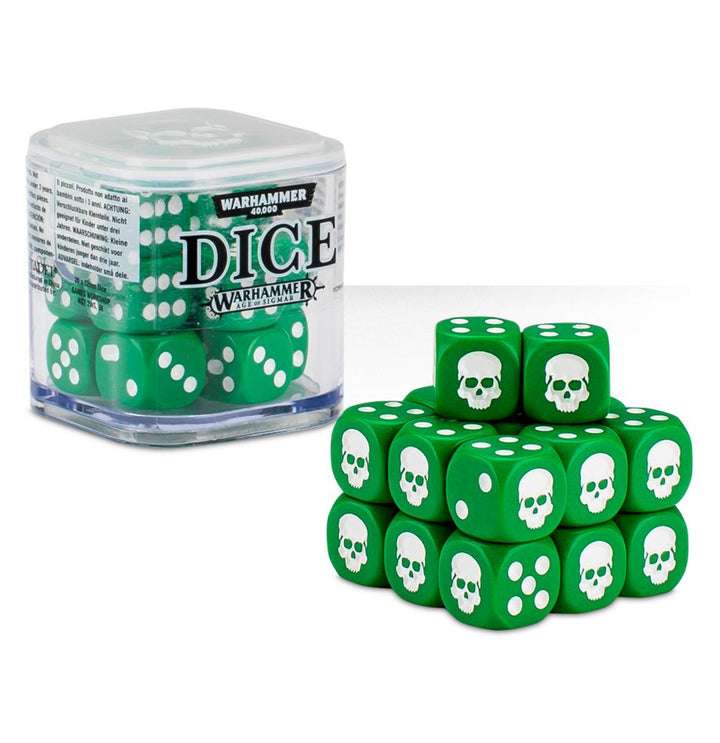
12mm Dice Cube – Green

Original price was: $12.50.Current price is: $10.99.

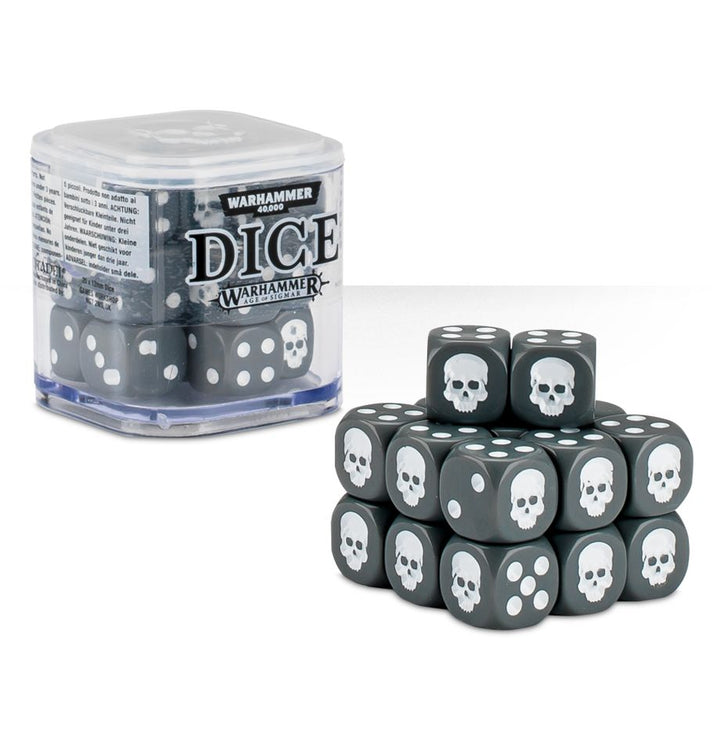
12mm Dice Cube – Grey

Original price was: $12.50.Current price is: $10.99.

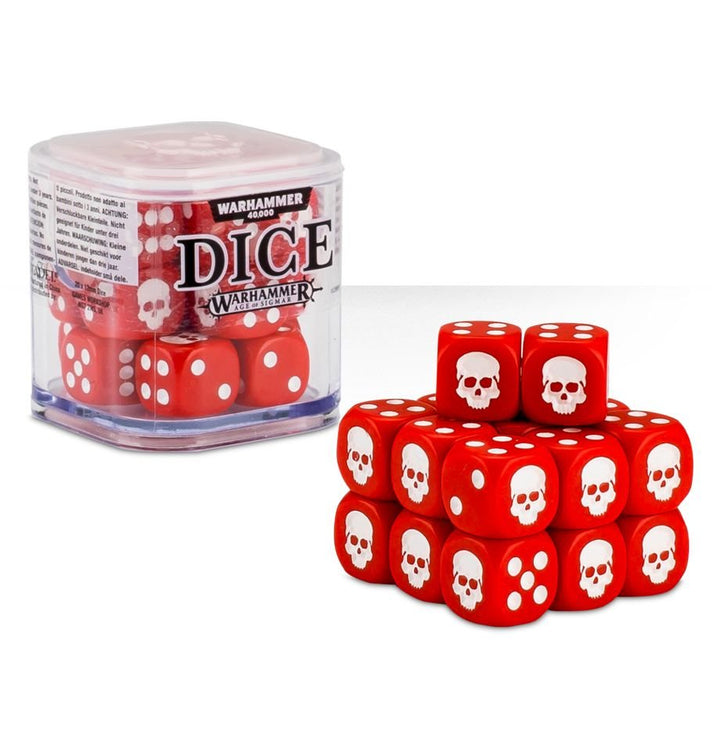
12mm Dice Cube – Red

Original price was: $12.50.Current price is: $10.99.

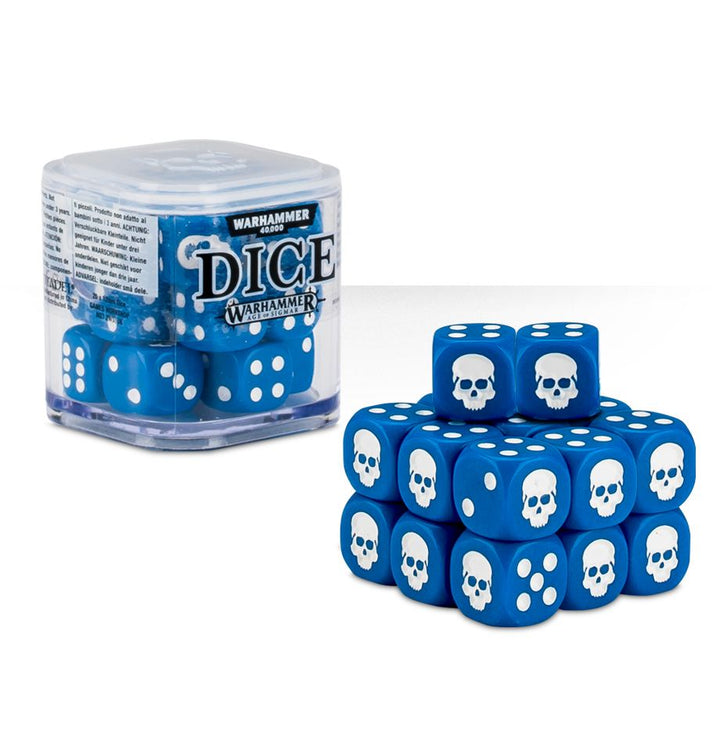
12mm Dice Cube Blue

Original price was: $12.50.Current price is: $10.99.

1830 (Revised Edition)

Original price was: $76.99.Current price is: $23.99.

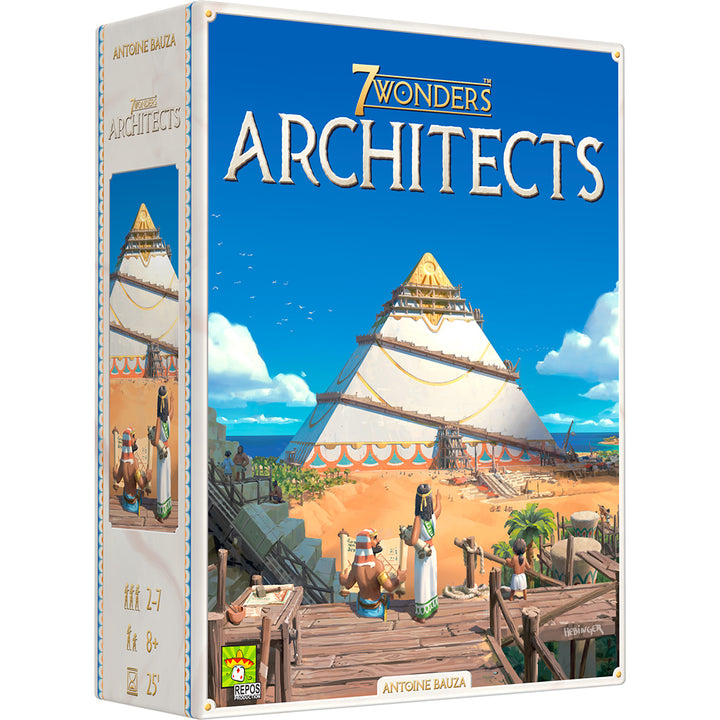
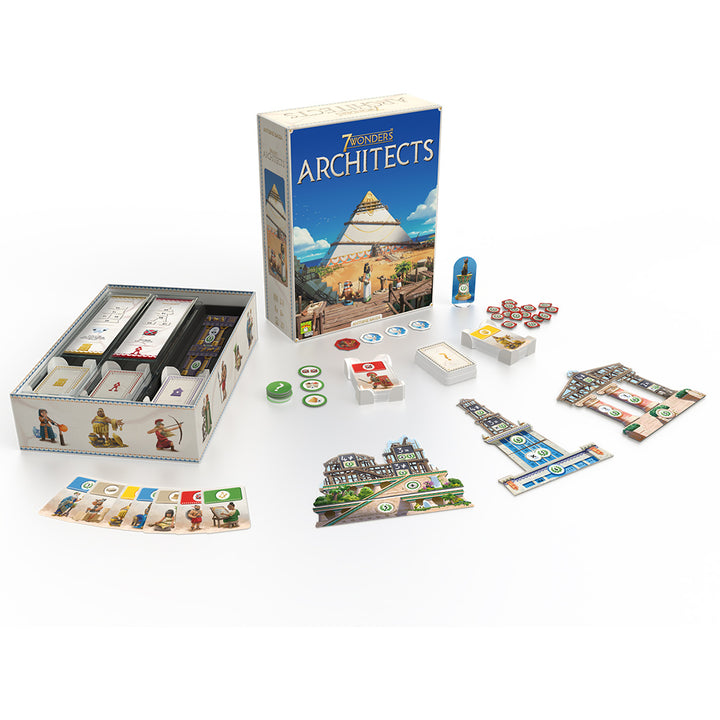
7 Wonders Architects

Original price was: $49.99.Current price is: $14.99.
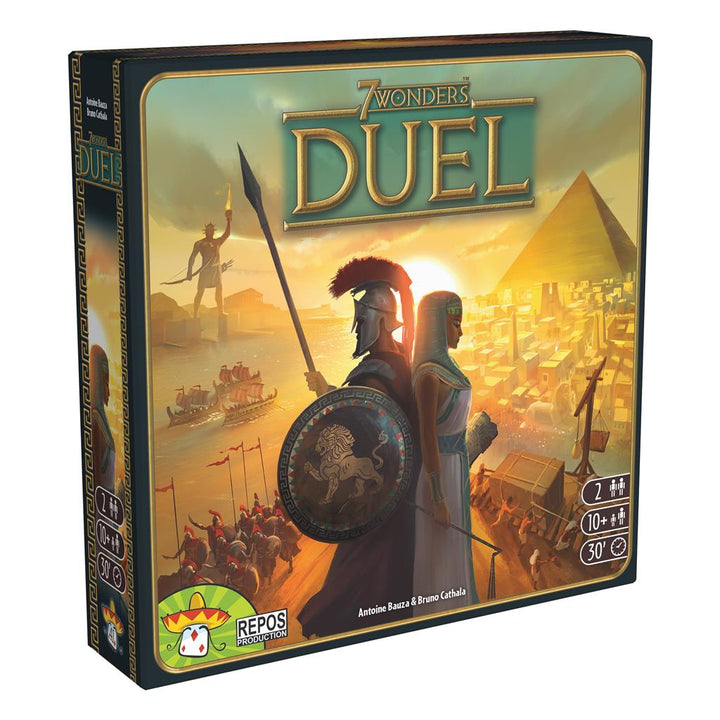
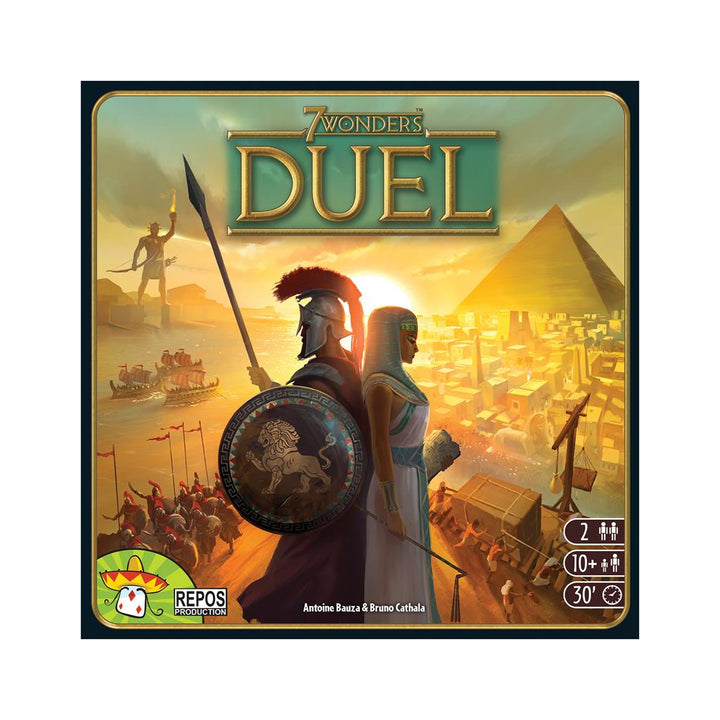
7 Wonders Duel

Original price was: $34.99.Current price is: $10.99.
Keyboards by Size

Full-size Keyboards

TKL Keyboards

75% Keyboards

Compact Keyboards / 60%+

Numpad Keyboards

Learn about everything from the basics to the latest in keyboard technology

Mechanical Keyboards 101

TMR vs. Hall Effect Magnetic Sensors: What You Need to Know

Plate-Mounted vs. PCB-Mounted Switches: What’s the Difference?

Topre vs Hall Effect: Advanced Keyboard Switches

Keyboards by Feature

Wireless Keyboards

Analog Keyboards

8K Polling Rate Keyboards

Low Profile Keyboards

Keyboards with Backlit Legends

Collection Spotlight

Silent Keyboards

When you need to go under the radar, try these keyboards with silent switches.

Know the Difference

The search for your favorite mechanical switch starts with understanding the 3 basic types.

Clicky

Clicky switches provide the most tactility and make an audible 'click' when typing. Clicky switches are typically preferred by typists, but are noticeably louder than other mechanical switches. Use with caution near noise sensitive co-workers or spouses 🙂

Linear

Popular with gamers and quiet typists, linear switches have no bump before bottoming out. They travel smoothly and increase in resistance as you reach the end of the key press. Because they have no bump, these are often some of the quietest switches.

Tactile

About halfway between linear and clicky switches, tactile switches have a (sometimes subtle) bump you can feel in the key press before bottoming out. While this bump traditionally represented the actuation point, recent switches have actuation points and tactile bumps all along the travel distance.

Keyboards by Size

Full-size Keyboards

TKL Keyboards

75% Keyboards

Compact Keyboards / 60%+

Numpad Keyboards

Learn about everything from the basics to the latest in keyboard technology

Mechanical Keyboards 101

TMR vs. Hall Effect Magnetic Sensors: What You Need to Know

Plate-Mounted vs. PCB-Mounted Switches: What’s the Difference?

Topre vs Hall Effect: Advanced Keyboard Switches

How to Select the Perfect Mechanical Keyboard Switch

What is a Mechanical Keyboard Switch?

What Is a Mechanical Keyboard?

Keyboards by Feature

Wireless Keyboards

Analog Keyboards

8K Polling Rate Keyboards

Low Profile Keyboards

Keyboards with Backlit Legends

Know the Difference

The search for your favorite mechanical switch starts with understanding the 3 basic types.

Clicky

Clicky switches provide the most tactility and make an audible 'click' when typing. Clicky switches are typically preferred
by typists, but are noticeably louder than other mechanical switches. Use with caution near noise sensitive co-workers
or spouses 🙂

Linear

Popular with gamers and quiet typists, linear switches have no bump before bottoming out. They travel smoothly and
increase in resistance as you reach the end of the key press. Because they have no bump, these are often some of the
quietest switches.

Tactile

About halfway between linear and clicky switches, tactile switches have a (sometimes subtle) bump you can feel in the
key press before bottoming out. While this bump traditionally represented the actuation point, recent switches have
actuation points and tactile bumps all along the travel distance.

Clicky

Clicky switches provide the most tactility and make an audible 'click' when typing. Clicky switches are typically preferred by typists, but are noticeably louder than other mechanical switches. Use with caution near noise sensitive co-workers or spouses 🙂

Linear

Popular with gamers and quiet typists, linear switches have no bump before bottoming out. They travel smoothly and increase in resistance as you reach the end of the key press. Because they have no bump, these are often some of the quietest switches.

Tactile

About halfway between linear and clicky switches, tactile switches have a (sometimes subtle) bump you can feel in the key press before bottoming out. While this bump traditionally represented the actuation point, recent switches have actuation points and tactile bumps all along the travel distance.